Logging In and Out
To log in to SimplyReports, you must be registered as a Polaris staff user in your library system and as a SimplyReports user. Contact your SimplyReports Administrator if you need to be registered as a SimplyReports user (see Setting Up SimplyReports Security). To log in and log out of Polaris SimplyReports:
- Open SimplyReports from a desktop shortcut or a favorites link in your browser.
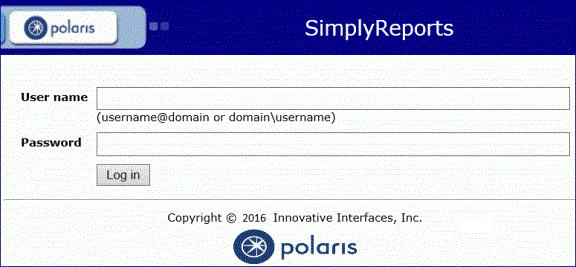
- Enter your user name, domain name, and password on the log-in page and click Log in.
If the login fails, an appropriate message is displayed. The login may fail due to username/password error, or because you are not registered as a SimplyReports user.
After you log in, SimplyReports opens to the Patrons tab.
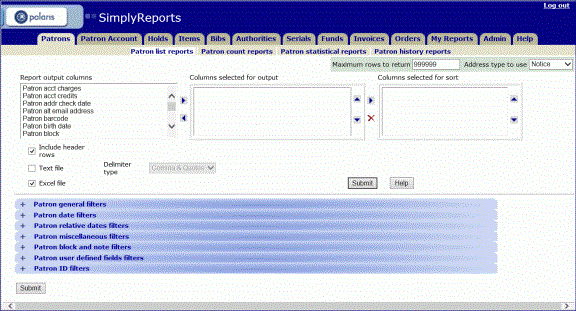
When you are done with the SimplyReports session, click Log out in the upper-right corner to close the application.
Note: The SimplyReports session is refreshed automatically after a specified period of time. See Setting Application Defaults.