Set a Special Renew Date or Loan Period from the Items Out List
To set a special renew date or renewal loan period
-
Open the patron's record.
- Select the Out/Overdue tab.
- Select an item in the list, and select the special renew button.
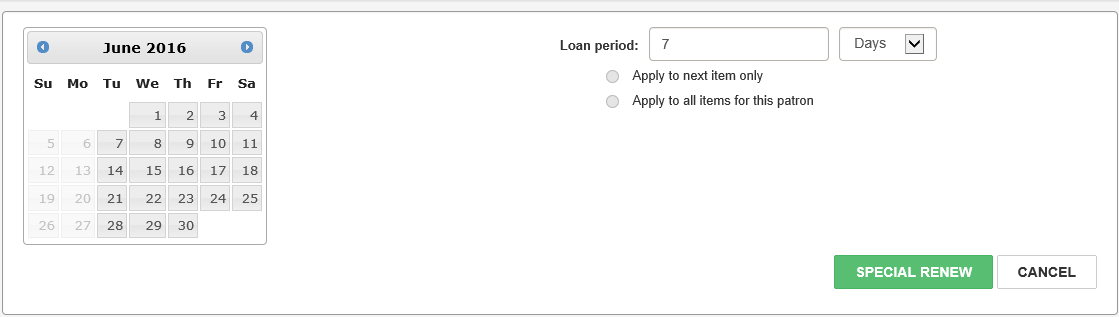
- Do one of these steps to set the special renewal:
- Select a specific due date from the calendar.
- Specify a loan period other than the default setting of 7 Days by typing a different number in the Loan period box and selecting Days, Hours, or Minutes from the drop-down list box.
- (Optional) If you want the loan period to apply to other items for this patron, select Apply to next item only or Apply to all items for this patron.
- Select SPECIAL RENEW.
The patron's items out list appears.
The area below the button bar expands.
The item is renewed for the period specified.
See also: