Estimate Fines from the Items Out List
To estimate fines for items in the items out view
- Open the patron record.
- Select the Out/Overdue tab.
The patron's items out list appears.
- Select the item or items in the items out list, and select Estimate Fines.
The estimated fines appear.
Note:
The Estimated Fines dialog displays the amount owed for all items, not just the selected items.
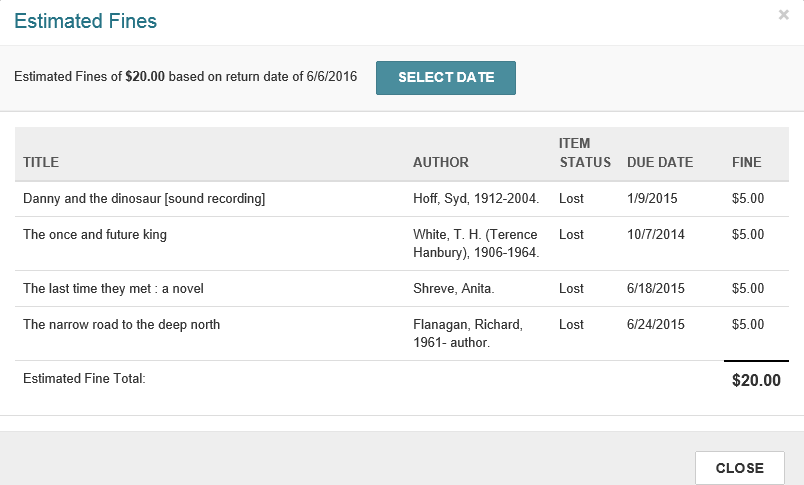
- To change the due date, click SELECT DATE, and select a different date from the calendar.
- Select CLOSE to close the dialog and return to the items out list.
Note:
If your library has opted to include lost and/or claimed items in the estimated fines calculation, you can also estimate fines from the Claims/Lost view.