Common administration components
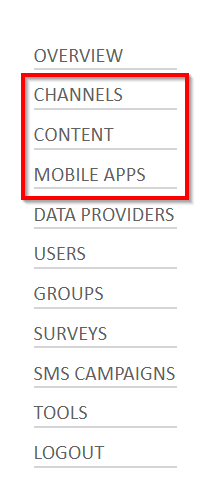
You can use the following administration components to perform common administration tasks:
- Channels
- Content
- Mobile apps
Channels
- Screen channels are containers that hold scheduled items that are linked directly to the media zone on the screen of an e-kiosk.
- Mobile channels are containers that hold data or sets of data that can be accessed by selecting a button. This is where you can add and configure multiple branches and details, and where you can add multiple images.
Content
Content includes items that you can display and view, for example, images, webpages, PowerPoint presentations, movies, and external links.
Mobile Apps
This is the configuration component where the main configuration occurs by attaching the content to be viewed to the place and mechanism in which it is to be displayed.
To access administration components
- Select from the menu to display the administration component that you want to use.