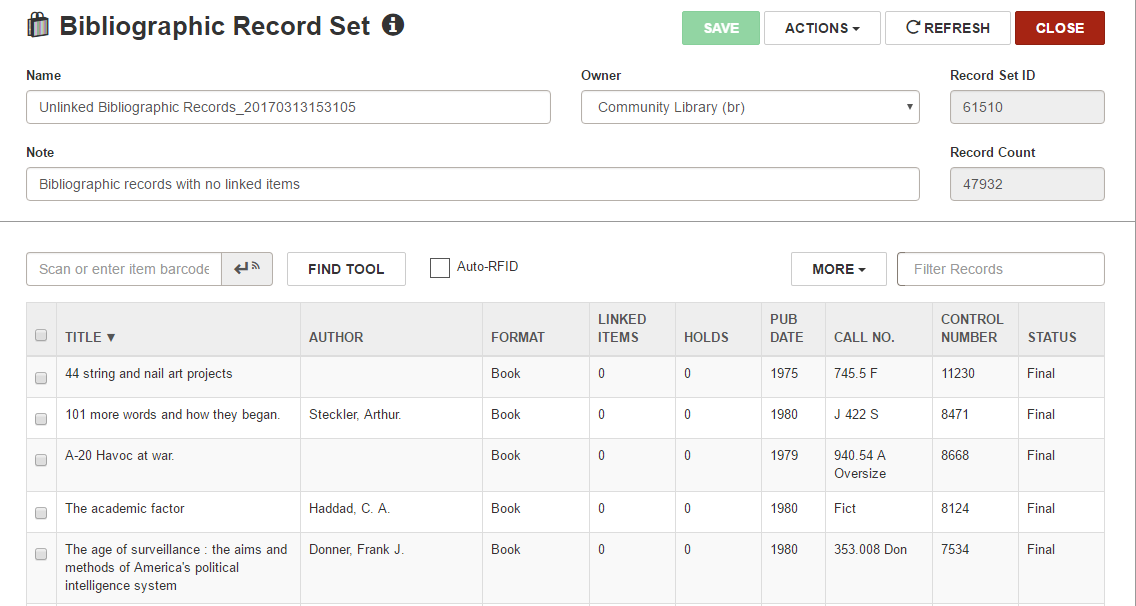
Create a Record Set of Unlinked Cataloging Records
You can automatically create a record set of bibliographic records that are not linked to any item records or a record set of authority records that are not linked to any bibliographic or authority records.
Note:
To create cataloging record sets, you must have the Cataloging permission Cataloging record sets: Create.
To create a record set of unlinked cataloging records
- Select Utilities > Create Unlinked Bibliographic Record Set or Create Unlinked Authority Record Set.
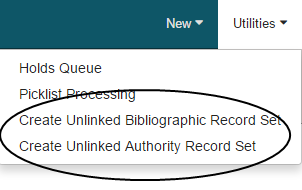
The Bibliographic Record Set Setup or Authority Record Set Setup dialog appears.
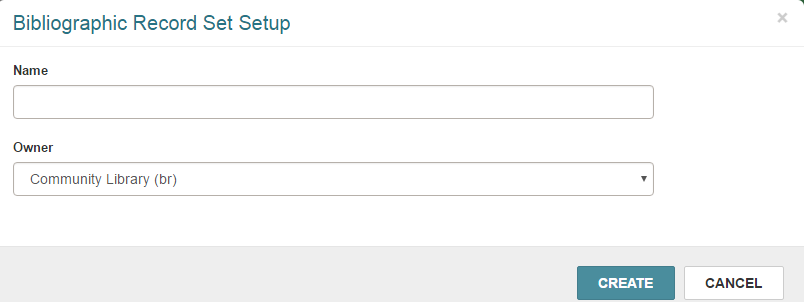
- Type a Name for the record set and select an Owner in the dropdown list.
- Select Create.
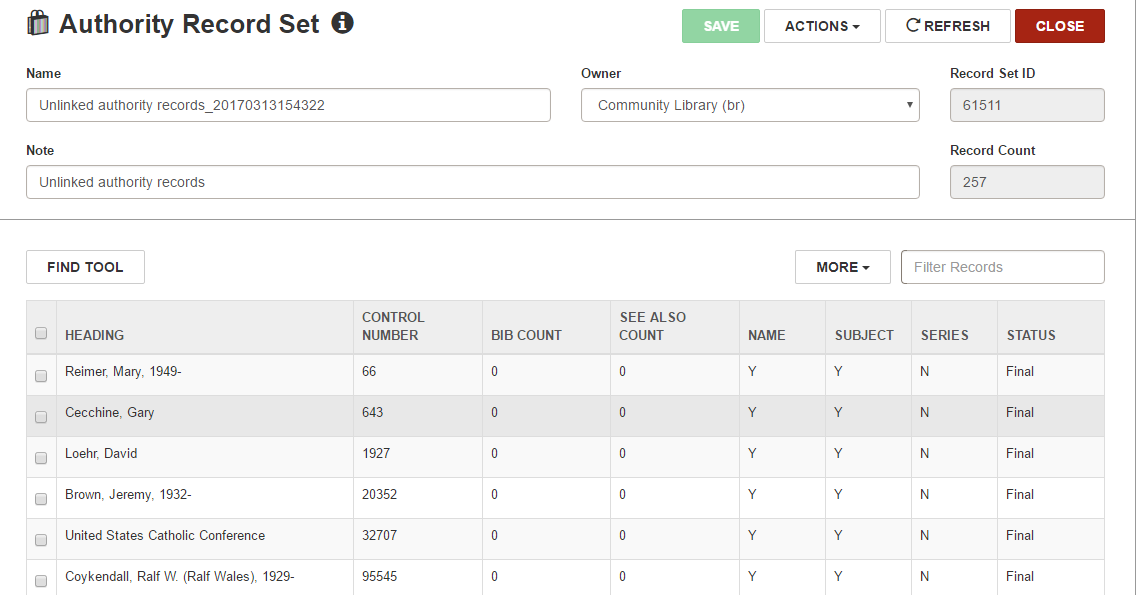
The record set of the unlinked records appears.
- If you created a bibliographic record set, the following note appears on the Bibliographic Record Set workform: Bibliographic records with no linked items.
- If you created an authority record set, the following note appears on the Authority Record Set workform: Unlinked authority records.