Print a Workslip from a Purchase Order Line Item
Note:
To print a workslip from a purchase order line item, you need the Purchase Orders: Print workslips permission.
To print a workslip from a purchase order line item
-
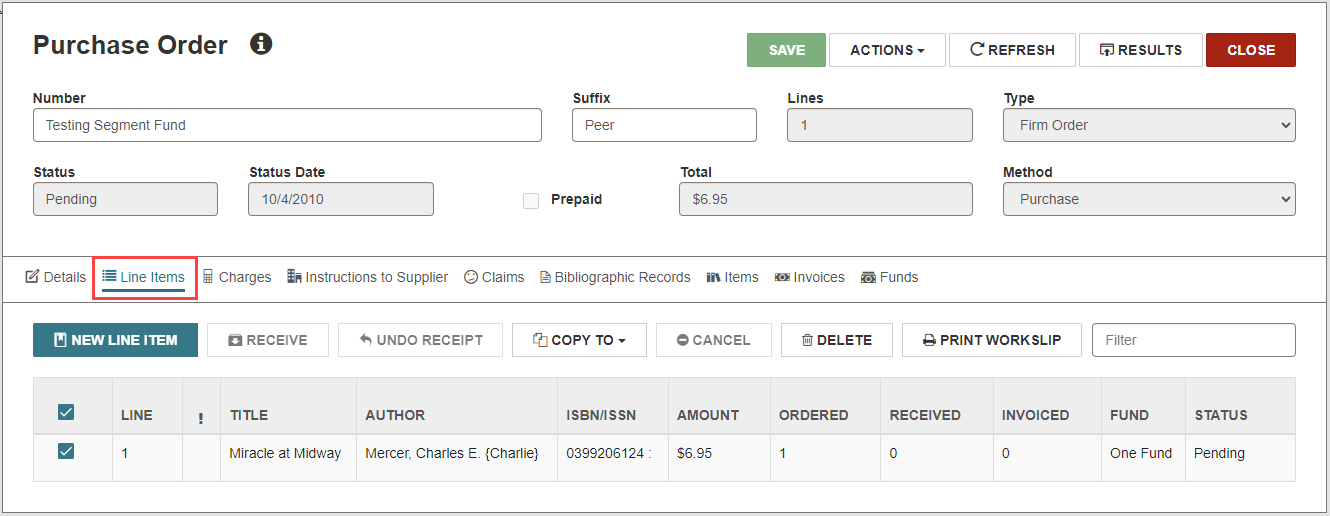
On the Purchase Order workform, select the Line Items view.
The Line Items view displays a table listing each line item in the purchase order.
-
Select the checkboxes beside the line items you want to include in the workslip.
-
Select PRINT WORKSLIP.
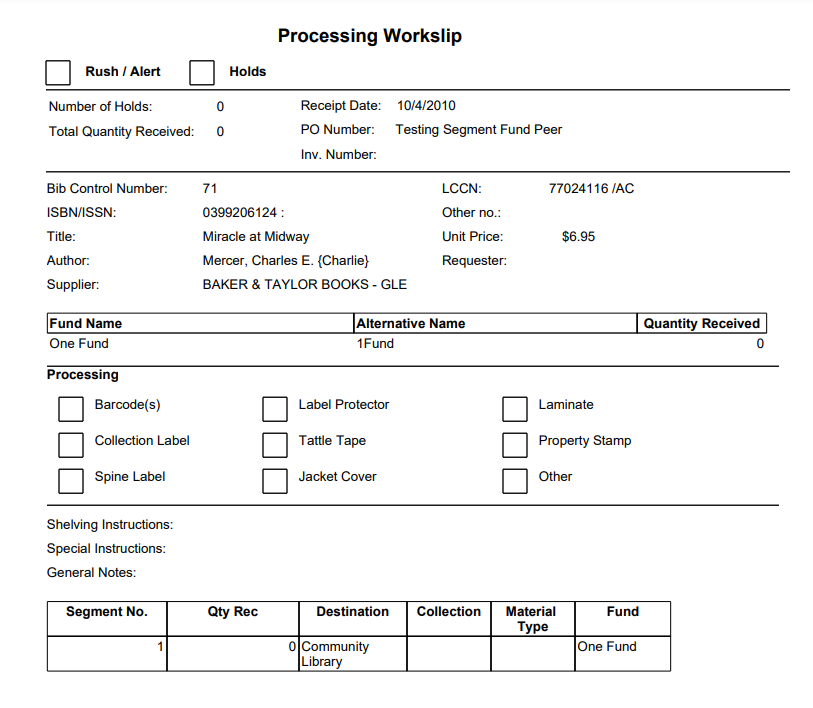
The printable Item workslip appears in a new browser window.
-
Select the print option from the new browser window to open your browser's print dialog.