Signing In and Out of Leap
This section covers the following topics:
Signing In to Leap
To sign in to Leap
-
Select the Leap icon or shortcut, or enter the Leap URL.
The sign in screen appears.
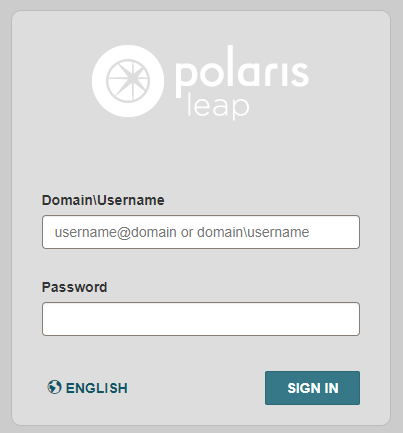
- Enter your domain and username in the Domain\Username box.
- Enter your password in the Password box.
-
Select SIGN IN.
Leap refreshes the screen to display additional sign-in options.
- Select your branch from the Branch list.
- Select your workstation from in the Workstation list.
-
Select CONTINUE.
The Leap main page appears with the cursor in the quick search box.

Signing Out of Leap
To sign out of Leap
- Select your username in the upper-right section of the Leap header.
- Select Logout.